
How to Prepare Your WooCommerce Store for a Black Friday Traffic Spike

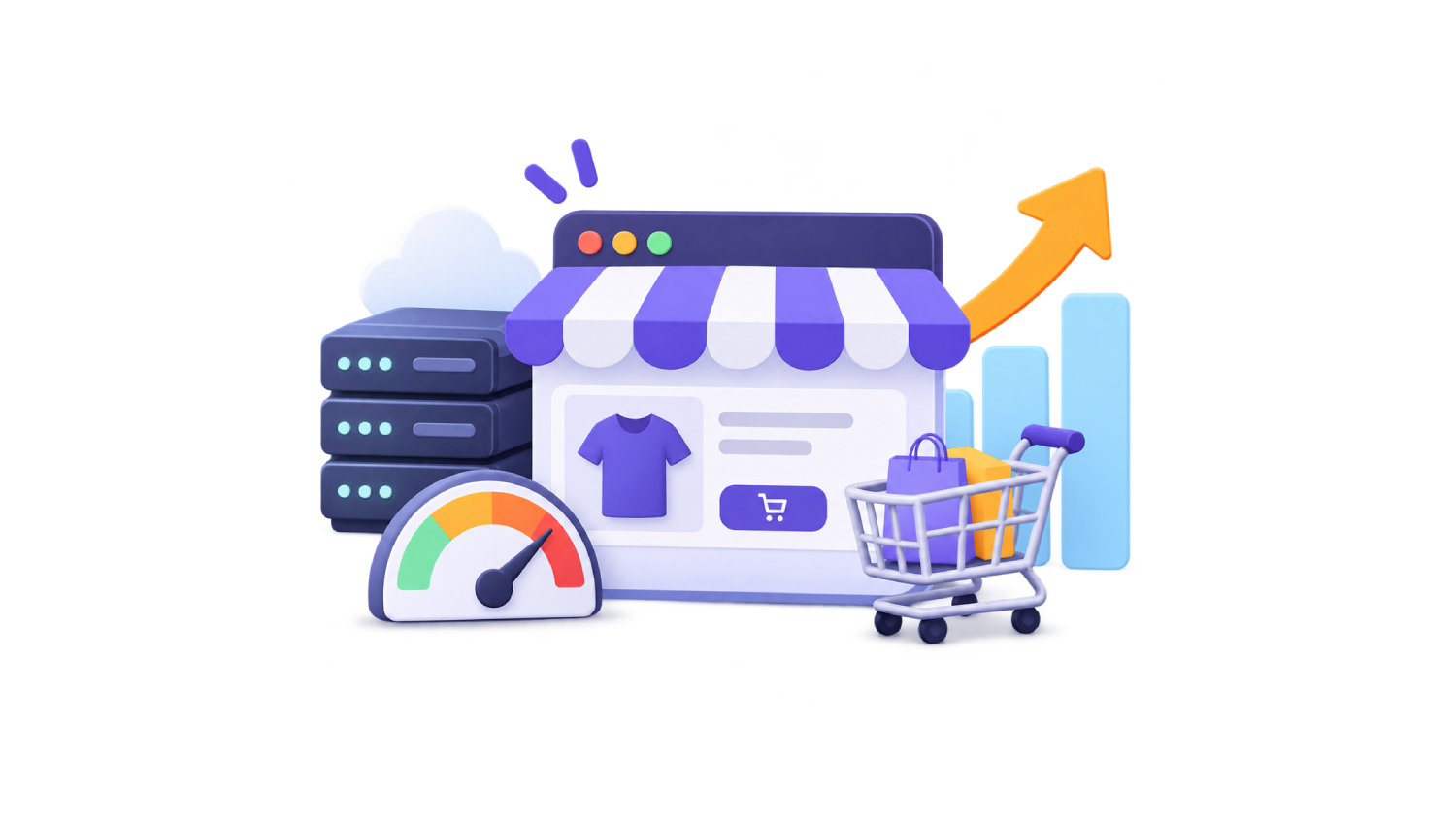
Black Friday doesn’t care how your store performs on a normal Tuesday.
For one weekend, people show up in waves. Five tabs of product pages, carts filled and abandoned, then everyone heads to checkout at once. If your store was a bit slow before, this is when it gets noticed.
Black Friday falls on November 27, 2026. The earlier you start, the more time you have to test.
Let’s break it down.
Why WooCommerce takes the hit
A blog post looks the same to everyone. Cache it once and it’s basically free to serve.
A store isn’t like that. Sure, your homepage, categories and product pages can be cached. But the cart, checkout and account pages are built for one person at a time, so PHP and the database work on every request. Nobody notices on a quiet Tuesday. On Black Friday, thousands of people hit those pages together.
The plan, then: make everything cacheable as cheap as possible, and save your server’s energy for the rest.
Start with a baseline
Write down where you are now, or you’ll never know if anything improved. Run your homepage, a category page and a best-seller through PageSpeed Insights. Note LCP, INP, CLS and TTFB.
PageSpeed helps you assess page performance, but it doesn’t show how your store behaves under heavy concurrent traffic. We’ll get to that further down.
Also, look at how page speed affects conversions on your own store. A slow page costs the most at peak traffic.
And update FastPixel before you freeze anything.
Cache what can be cached
This is the biggest win, and a lot of stores already have part of it.
FastPixel serves public pages as cached copies, so your server doesn’t rebuild them for every visitor. Carts, checkout, account pages and logged-in sessions stay dynamic. That’s on purpose: those pages should always be live.
After a purge, FastPixel warms the cache on its own. I’d still open the homepage, your sale page, top categories and best sellers and check they show as cached. It lowers the chance that early visitors wait for a rebuild. To see how it’s going, check your cache hit ratio.
Put your files on a CDN
Every image, stylesheet and script is its own request. Over Black Friday weekend, the same product photos might be requested thousands of times. Without a CDN, much of that hits your hosting server, right beside the requests that need PHP and the database.
A CDN keeps copies around the world and serves each visitor from a nearby one. The images, CSS and JavaScript that FastPixel handles are delivered through its global CDN, over 119 locations.
What do you get? Faster loading for shoppers. Fewer requests for your origin, so more room for carts and orders. And less of that data leaving your hosting account. The data doesn’t disappear, it’s served by the CDN instead, and whether your bill changes depends on how your host charges. For stores with lots of product photos, this is often where you’ll feel it most.
Even your cart and checkout benefit. The pages themselves come from your server, but the images, CSS and JavaScript FastPixel handles on them still come from the CDN.
One honest caveat: caching and a CDN take a lot of weight off browsing traffic. But when hundreds of people reach checkout at the same moment, your server still has real work to do. FastPixel is one piece of the plan, next to enough hosting capacity and a tested checkout.
Make everything lighter
Smaller files travel faster. Product photos are usually the heaviest thing in a store, so that’s where to start. FastPixel optimizes them, resizes them to fit their containers and serves WebP or AVIF to browsers that support them. Even a product page with many photos can get a lot lighter. Fonts get subsetted and compressed too.
Then there are scripts. Sale weekends bring popups, countdown timers, chat widgets, tracking pixels. Each one adds JavaScript. Before you delay or defer anything, read about JavaScript delay, because a broken checkout button is worse than a slow page.
One more thing: keep your sale banner small. It’s often the biggest element at the top, so it may be your LCP element. Compress it, and don’t lazy load it.
Don’t forget the database
Cached pages take work off your server. Carts and checkouts still need dynamic processing, and during a spike, repeated database queries can become a bottleneck.
That’s where an object cache helps. It keeps common query results in memory (Redis or Memcached, which many hosts offer), so WordPress stops asking the same questions again and again. FastPixel has an Object Cache section where you connect your service, and it’s tuned for WooCommerce. Unsure which to pick? Compare Redis vs. Memcached.
While you’re at it, clear expired transients and old sessions. Back up the database first.
Prices, stock and sale timers
Caching is great until a shopper sees last week’s price. Or an item that sold out an hour ago.
FastPixel purges a product page (and some linked pages) when stock or quantity changes, and clears the cache when scheduled sale prices start or end. So if your deals begin at midnight, the pages change with them.
Test it anyway. After you set up the sale, open a few products in a private window and compare price and stock with what you configured. See something stale? Purge that URL from the admin bar or the FastPixel dashboard.
Two special cases:
- Selling in multiple currencies? Use Vary Cache, so each currency gets its own cached copy.
- A rotating promo message on a cached page? Dynamic Fragments, still in beta, can refresh selected public content without rebuilding the page. Each fragment adds a request, so use them sparingly and never for prices or stock.
Talk to your host, then put your checkout to the test
Ask your host three things. Are there limits on bandwidth, PHP workers or simultaneous connections? How fast can you upgrade if traffic jumps? Is Redis or Memcached available?
Then be your own customer. Add a product, use a coupon, pay with every method you accept, and do it on your phone too.
That tells you the flow works for one person. It doesn’t tell you what happens with 200 people doing it at the same time. For that you need a load test (k6 and Loader.io are two options), and it has to run on a staging copy that matches your live setup closely: same PHP version, same plugins, same caching configuration, similar products and hosting. A test on a stripped-down copy can look great and tell you nothing. Never run it on the live store, check that your host allows load tests first, and keep payment gateways in test mode.
And then stop touching things. No plugin updates, no theme changes, nothing new in the days before the sale. If something breaks, you want to know it wasn’t a last-minute edit.
Once the sale starts
Your job shifts from preparing to watching. Keep an uptime monitor running and check the store from your phone now and then. FastPixel’s Diagnostics tab shows your cache hit ratio with hits, misses and total requests, so a drop shows up early. Found a stale page? Purge just that URL.
A word on Global Cache
If your shoppers come from all over the world, distance adds delay. Global Cache stores your public pages on a CDN and serves them from a location near each visitor. Carts, checkout and logged-in sessions still load from your site. It works with the FastPixel CDN or Cloudflare.
You don’t need it for Black Friday. Check your dashboard to see if it’s available on your account, and remember that the FastPixel CDN setup involves DNS changes, which can take a few hours. If you want it, set it up now and test early, not mid-sale.
FAQs
Which WooCommerce pages can be cached?
Public ones: homepage, categories, product pages. Cart, checkout, account pages and logged-in sessions stay dynamic.
Does a CDN really save bandwidth?
It moves a large share of the transfer away from your hosting server, since the images, CSS and JavaScript FastPixel handles come from the CDN. Optimized images weigh less too. What that does to your costs depends on your provider’s pricing and limits.
Will caching show customers old prices or stock?
FastPixel purges product pages when stock changes and when scheduled sale prices start or end. Test your sale in a private window anyway.
Should I switch on a new feature the week before Black Friday?
I wouldn’t, at least not on your live store. Try it on staging first.
More shoppers, less work for your server.
Get your WooCommerce store ready for Black Friday with FastPixel. It helps optimize your product images, deliver static resources through a global CDN, cache public pages, and reduce the load on your hosting infrastructure.
Give your store more room to handle shoppers when it matters most.



 English
 French